
How to Secure Your Forms
As your static website grows, it becomes a target for automated spam bots. These bots crawl the web to submit fake entries through contact forms and newsletter sign-ups. To keep your data clean, Static.app offers two specialized security features in the Forms section:
- Honeypot Field: A simple but effective "trap." It creates a hidden field that only bots can see. If the field is filled out, Static.app knows the submitter is a bot and rejects the entry.
- reCAPTCHA v3: An advanced, invisible security layer from Google. It uses AI to score users based on their interactions, blocking high-risk traffic without requiring users to solve puzzles.
Configure the Honeypot Field
The Honeypot is your first line of defense. It is "invisible" to human users but irresistible to automated scripts.
- Log in to your Static.app dashboard and select your project.
- Navigate to Settings and then Forms.
- Locate the Honeypot Field Name (optional) field.
- Enter a generic name for this hidden field, such as
middle_nameorphone_ext. - Click Save Changes.
Note: Using a common-sounding name is more effective at "tricking" bots.

Enable reCAPTCHA v3
For more robust protection, you can integrate Google’s industry-standard verification system.
-
Visit Google reCAPTCHA site. Register your domain to receive two specific strings: a Site Key and a Secret Key.
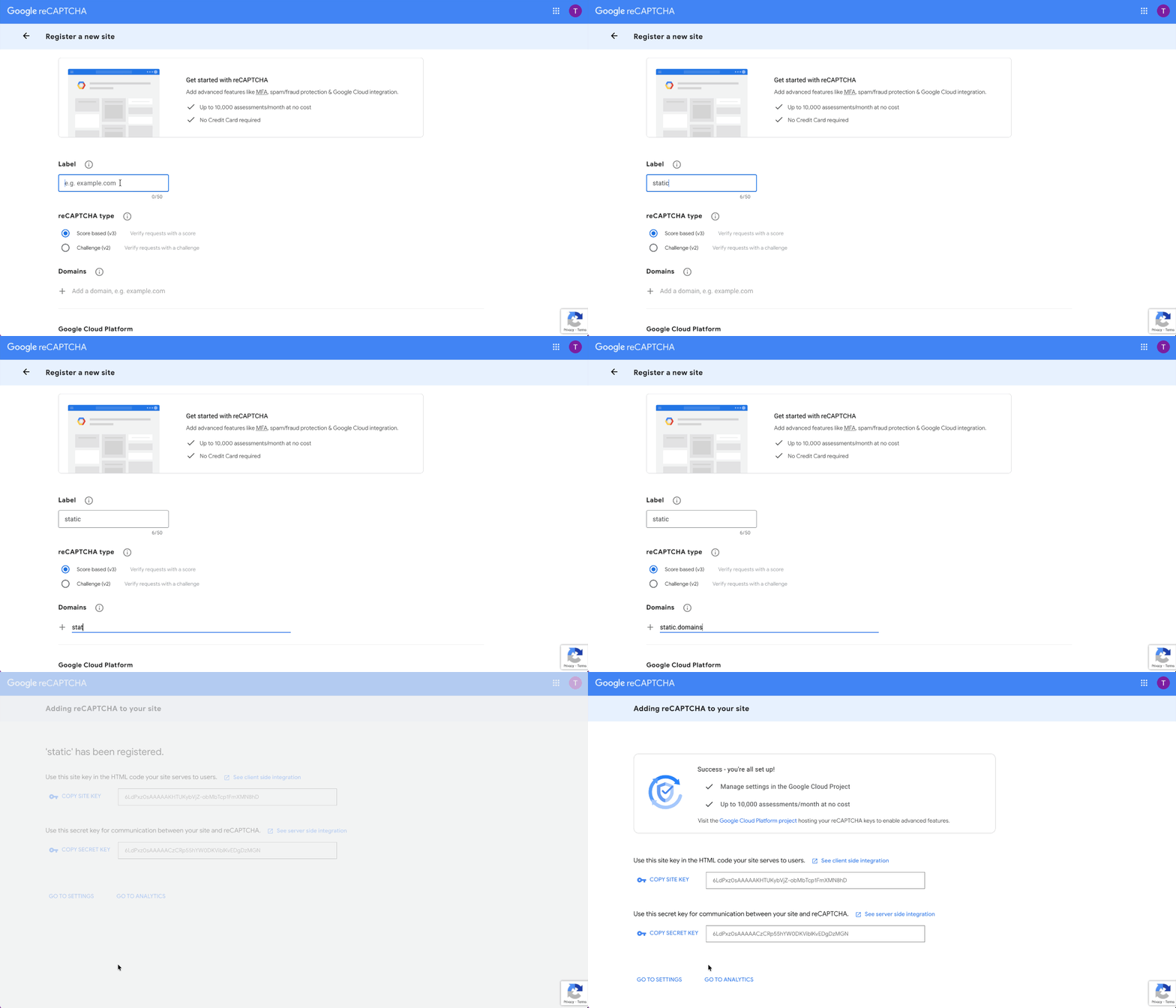
Google reCAPTCHA - In your Static.app Forms settings, check the box labeled Enable reCAPTCHA v3.
- Paste your public Site Key into the reCAPTCHA v3 Site Key field. This key is used to identify your site to Google's service.
- Paste your private Secret Key into the reCAPTCHA v3 Secret Key field. This key allows Static.app’s server to securely communicate with Google to validate the submission.
- Click Save Changes.
